Behind The Scenes: JRPG Menu System
Unity / C# / TextMeshPro / Animator / Procreate
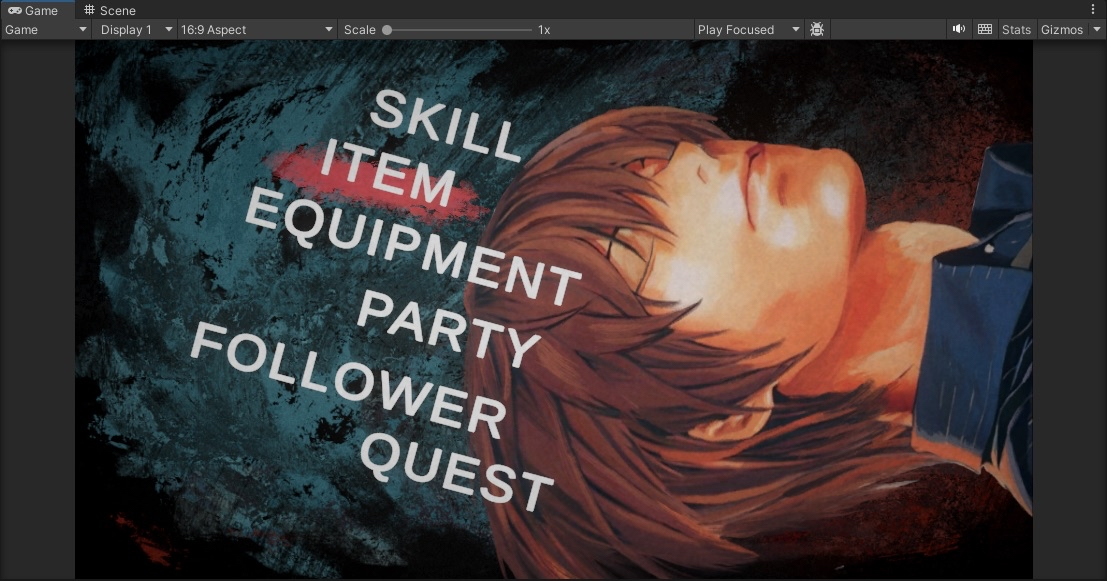
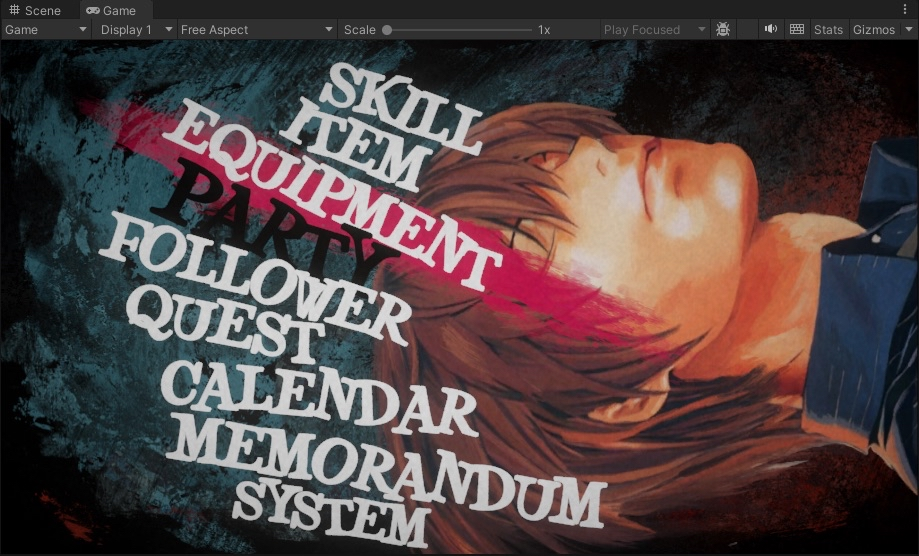
This project focused on building a high-impact, stylized JRPG menu system inspired by Atlus titles such as Metaphor:Rantazio. The goal was to create a UI that feels expressive and tactile, rather than static and purely functional.
Key Goals:
- Strong visual identity through texture and animation
- Snappy, intentional motion on every interaction
- Seamless transitions between menus
- A system flexible enough to support future expansion
visual direction & ui style
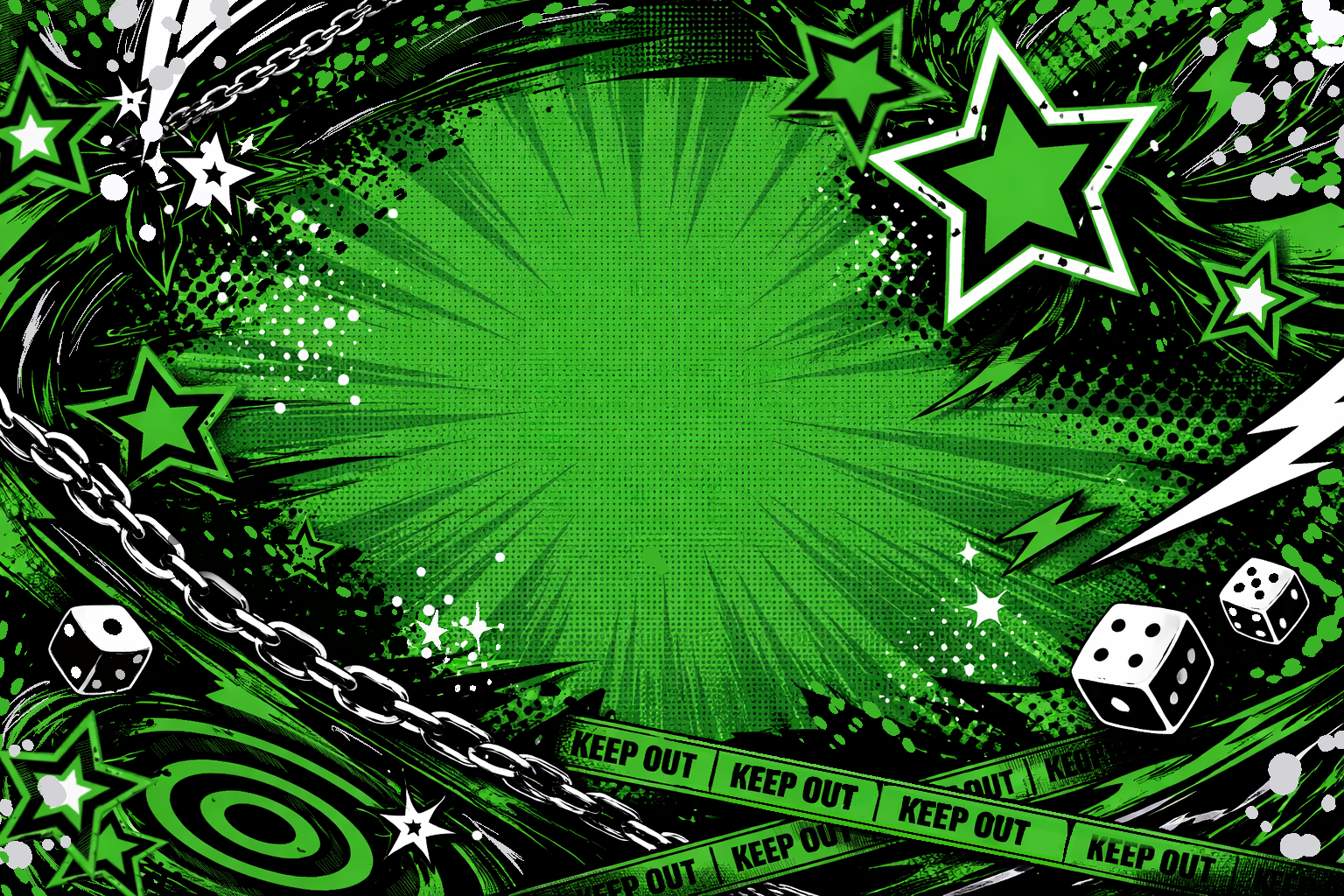
All highlight brushes, assets and transition wipes were created in Procreate, giving the UI an organic, imperfect feel that contrasts with Unity’s clean default UI shapes.
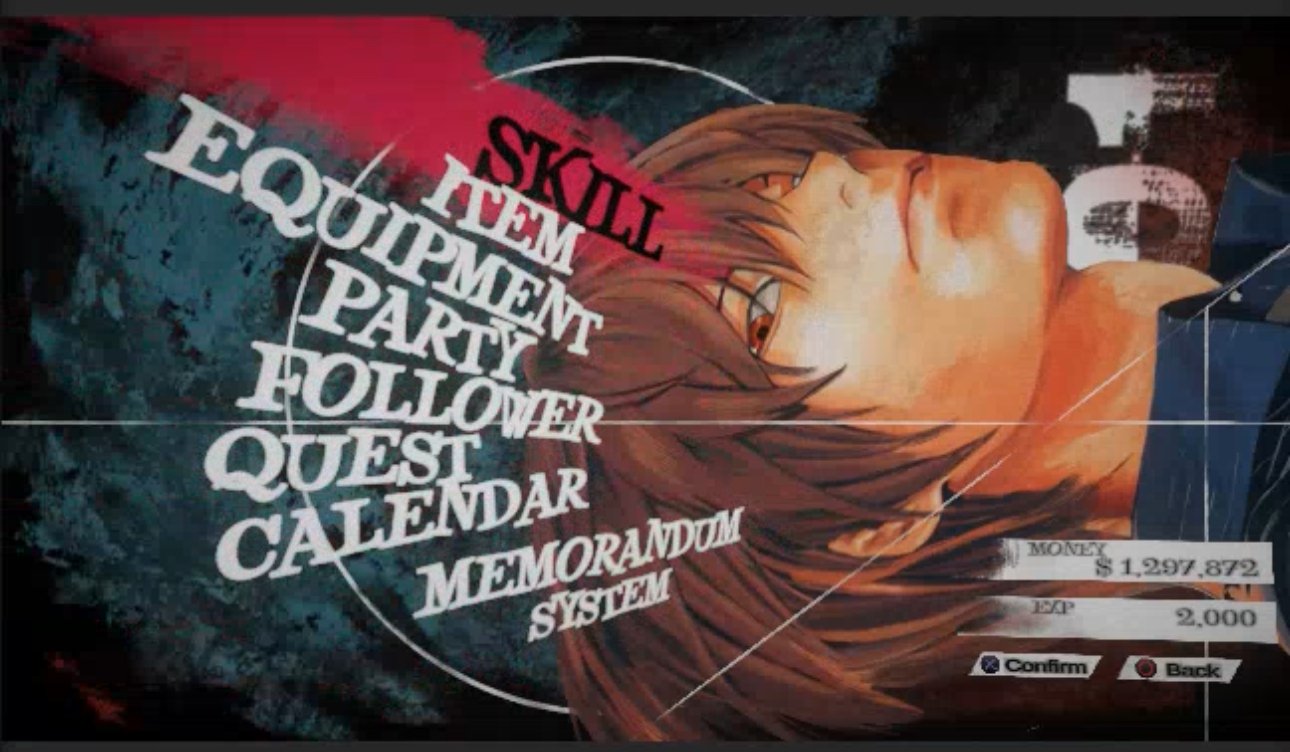
I wanted to recreate the dynamic feel of Metaphor: ReFantazio’s menu on Unity with bold color shifts for selection feedback and quirky fonts.
The following images are my references
Art by Takeshi Obata from Death Note
Menu Architecture & input flow
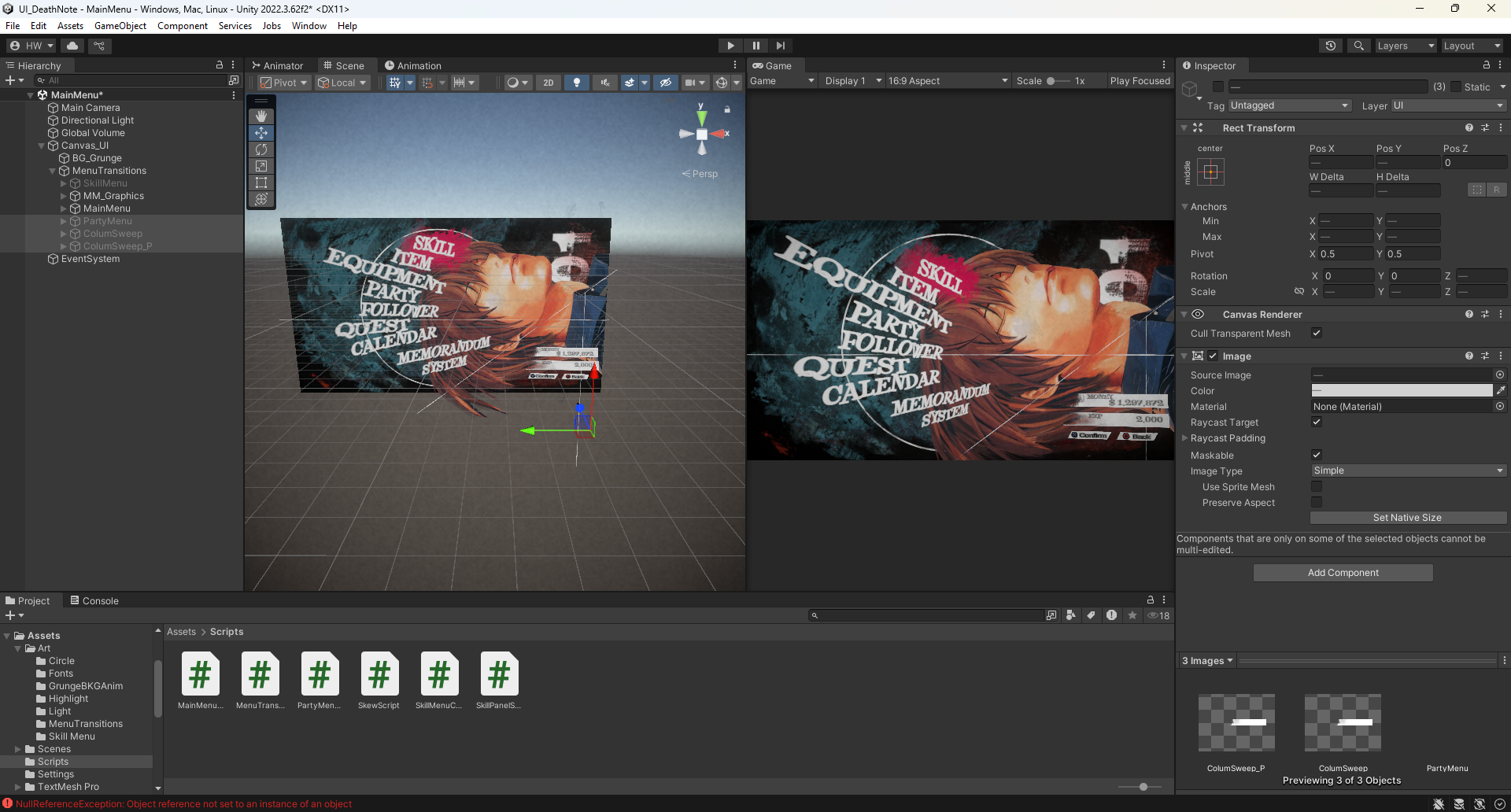
The menu system is structured around independent menu controllers (Main Menu, Skill Menu, Party Menu, etc) each responsible for its own selection logic and visual updates.
Menus live in the same scene, enabling instant transitions without scene loads or UI reconstruction.
HIGHLIGHT & SELECTION SYSTEM
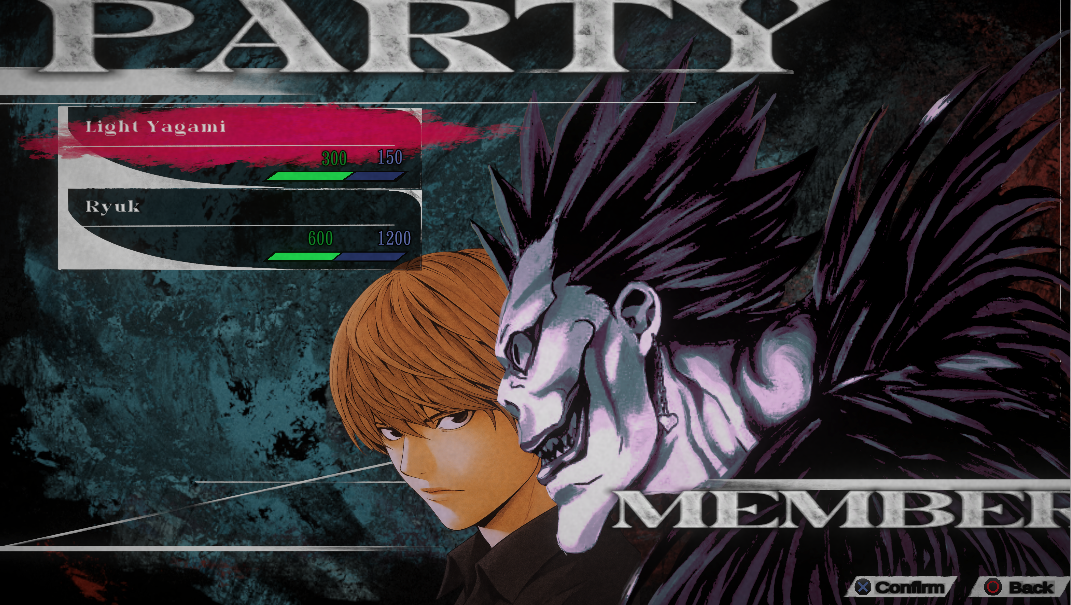
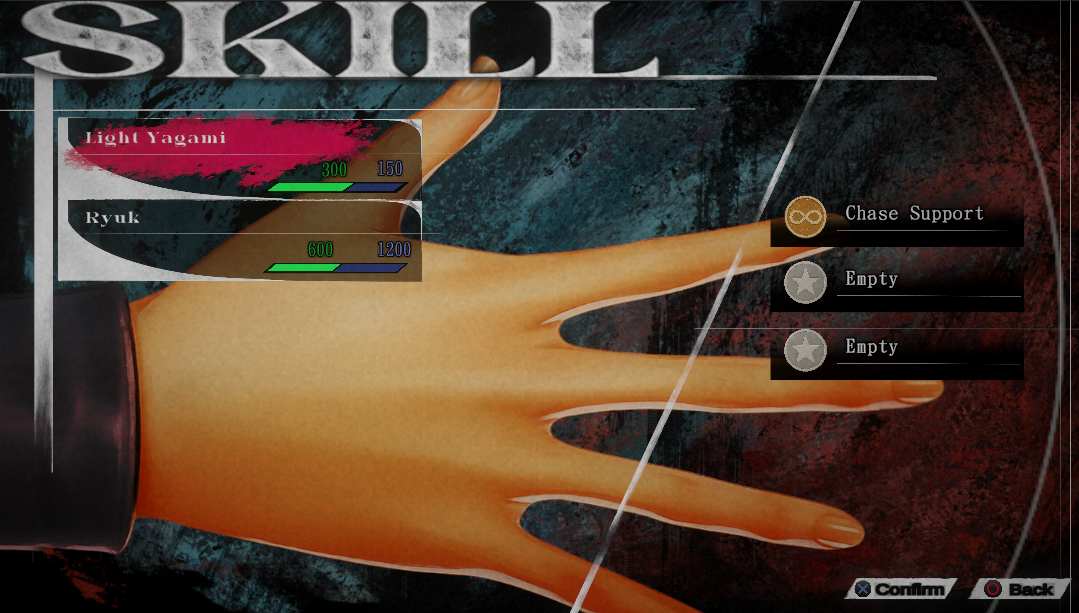
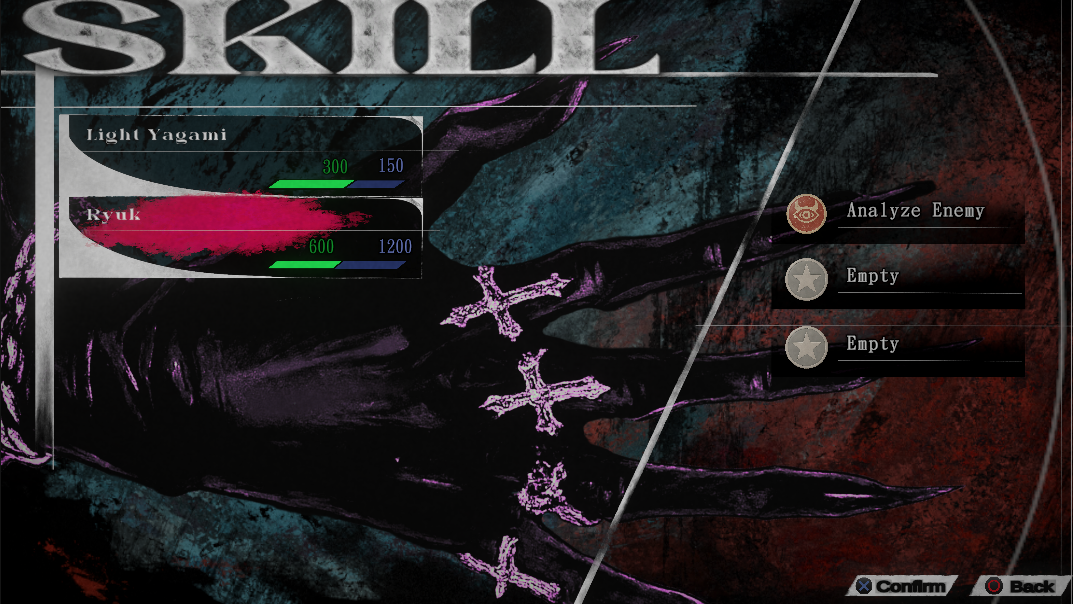
A dynamic highlight brush was implemented to sit behind the currently selected menu item.
Features:
Automatically aligns to the center of each TMP
Resizes itself based on the selected text’s width
supports stylized skewed text without breaking alignment
This system is fully data-driven and adapts to changes in text content, font size or layout.
Some fonts used were Qraxy Font, Sidewalk Font, Living Hell Font, Gradzy Font
Menu transitions & Animation polish
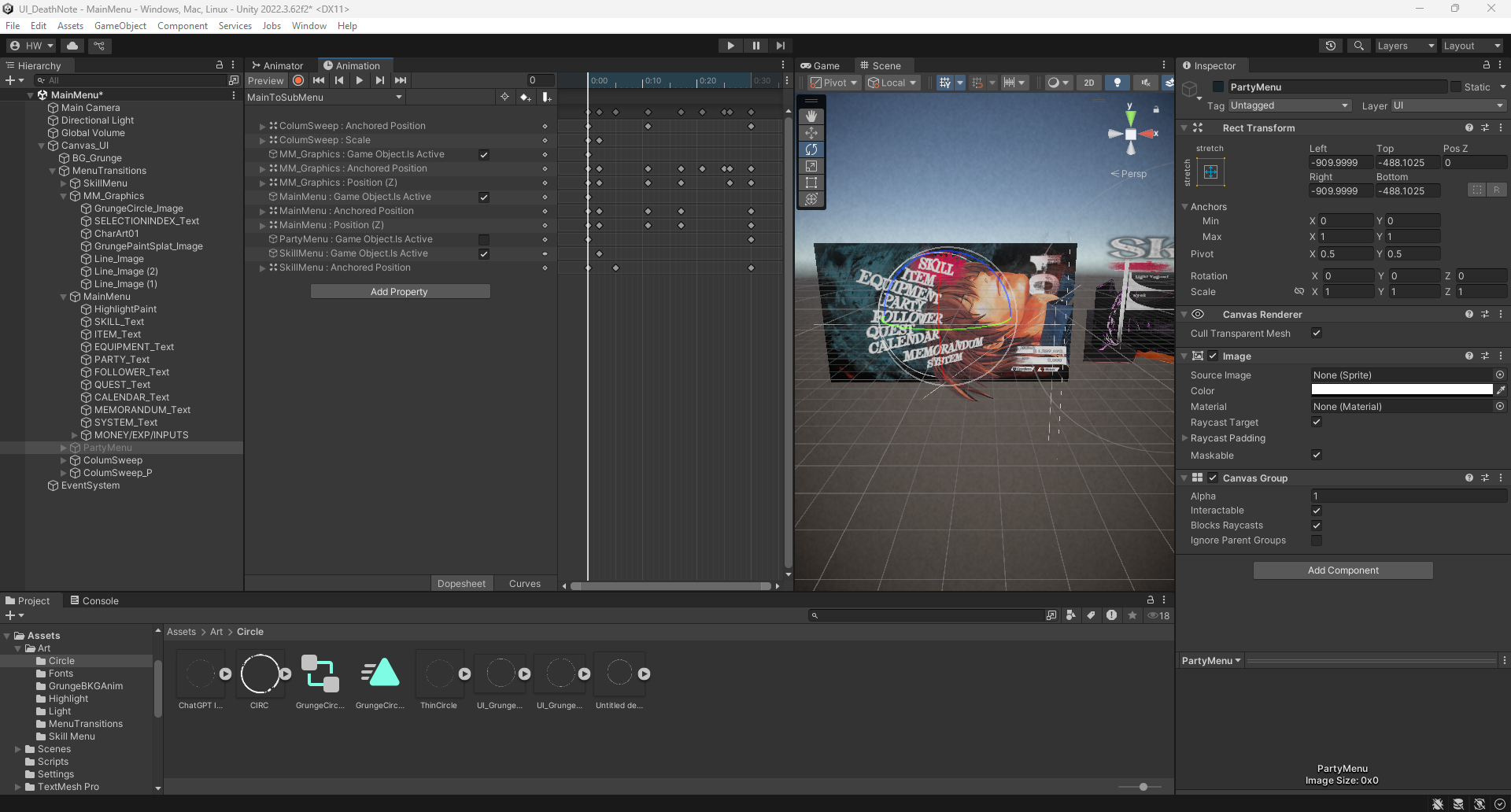
Transitions were treated as cinematic events, not simple fades.
A centralized MenuTransitionController handles:
Menu wipe animations
Timed menu activation while the screen is obscured
input locking during transitions
separate forward and reverse animations for each menu